Claude Streaming + Tool Use: Build Real-Time Agentic Pipelines
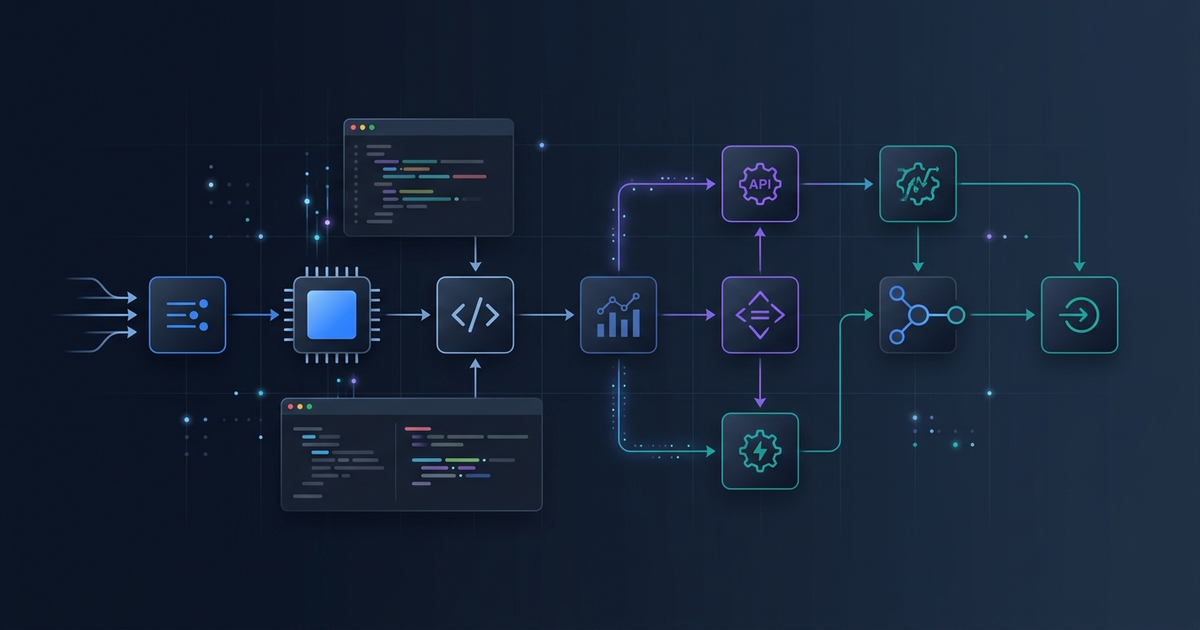
If you have built a Claude-powered app and added tool use, you already know the problem: the model freezes at the UI level while it reasons and calls tools. Streaming alone fixes text output latency — but streaming with tool use is a different beast. The events are different, the accumulation logic is different, and the multi-turn flow adds another layer.
Effloow Lab ran a sandbox validation using anthropic SDK 0.97.0, confirmed all SSE event types, and traced the full event sequence for a streaming tool call. This guide translates those findings into production-ready patterns.
What Changes When You Add Tool Use to Streaming
Without tools, streaming is straightforward: receive text_delta events, append to a buffer, render incrementally. With tools, the sequence has three distinct phases:
- Text phase — the model may stream reasoning text before calling a tool
- Tool input phase — the model streams the tool input as partial JSON fragments
- Result turn — you call the tool, send the result back, and stream the final response
The key difference from plain streaming: the tool input arrives as input_json_delta events whose partial_json field is an incomplete JSON string. You must accumulate fragments across all content_block_delta events for a given block index, then parse the complete JSON at content_block_stop.
SSE Event Types in the Anthropic SDK
Effloow Lab confirmed the following types in anthropic.types (SDK 0.97.0):
from anthropic.types import (
    RawContentBlockStartEvent,   # alias: ContentBlockStartEvent
    RawContentBlockDeltaEvent,   # alias: ContentBlockDeltaEvent
    RawContentBlockStopEvent,    # alias: ContentBlockStopEvent
    MessageStartEvent,
    MessageDeltaEvent,
    MessageStopEvent,
    InputJSONDelta,
    TextDelta,
)
The event type aliases (ContentBlockStartEvent, ContentBlockDeltaEvent, ContentBlockStopEvent) resolve to the Raw* variants at runtime. Both names work in type annotations.
The Complete SSE Event Sequence
For a streaming message where the model calls one tool before generating a final text response:
message_start
  └── usage.input_tokens, model id

content_block_start  (index=0, type="text")
content_block_delta  (index=0, type="text_delta", text="Let me check...")
content_block_stop   (index=0)

content_block_start  (index=1, type="tool_use", id="toolu_...", name="get_weather")
content_block_delta  (index=1, type="input_json_delta", partial_json='{"ci')
content_block_delta  (index=1, type="input_json_delta", partial_json='ty": "')
content_block_delta  (index=1, type="input_json_delta", partial_json='Tokyo"}')
content_block_stop   (index=1)   ← parse accumulated JSON here

message_delta  (stop_reason="tool_use", usage.output_tokens)
message_stop
After receiving message_stop with stop_reason="tool_use", send the tool result and resume streaming for the model's final answer.
Minimal Working Implementation
import anthropic
import json

client = anthropic.Anthropic()

tools = [
    {
        "name": "get_weather",
        "description": "Get current weather for a city",
        "input_schema": {
            "type": "object",
            "properties": {
                "city": {"type": "string", "description": "City name"},
                "unit": {"type": "string", "enum": ["celsius", "fahrenheit"]}
            },
            "required": ["city"]
        }
    }
]

def run_tool(name: str, tool_input: dict) -> str:
    """Fake tool executor — replace with real implementation."""
    if name == "get_weather":
        return json.dumps({"city": tool_input["city"], "temp": 22, "condition": "sunny"})
    return json.dumps({"error": "unknown tool"})


def stream_with_tools(user_message: str):
    messages = [{"role": "user", "content": user_message}]

    while True:
        # Phase 1: stream model response
        tool_calls = {}     # index → {name, id, accumulated_json}
        stop_reason = None

        with client.messages.stream(
            model="claude-sonnet-4-6",
            max_tokens=1024,
            tools=tools,
            messages=messages,
        ) as stream:
            for event in stream:
                if event.type == "content_block_start":
                    if event.content_block.type == "tool_use":
                        tool_calls[event.index] = {
                            "name": event.content_block.name,
                            "id": event.content_block.id,
                            "json_buf": "",
                        }

                elif event.type == "content_block_delta":
                    if event.delta.type == "input_json_delta":
                        tool_calls[event.index]["json_buf"] += event.delta.partial_json
                    elif event.delta.type == "text_delta":
                        print(event.delta.text, end="", flush=True)

                elif event.type == "message_delta":
                    stop_reason = event.delta.stop_reason

        if stop_reason != "tool_use":
            break  # model finished without tools

        # Phase 2: execute tools, build tool_result turn
        assistant_content = stream.get_final_message().content
        tool_results = []

        for idx, tc in tool_calls.items():
            tool_input = json.loads(tc["json_buf"])
            result = run_tool(tc["name"], tool_input)
            tool_results.append({
                "type": "tool_result",
                "tool_use_id": tc["id"],
                "content": result,
            })

        # Append assistant turn and tool results, then loop
        messages.append({"role": "assistant", "content": assistant_content})
        messages.append({"role": "user", "content": tool_results})


stream_with_tools("What is the weather in Tokyo right now?")
Handling Multiple Tools Per Turn
The model can call multiple tools in a single turn. Each tool call occupies its own content block index. The accumulation dict tool_calls handles this naturally since each index maps to an independent buffer. After message_stop, iterate all entries in tool_calls to build one tool_results list.
Progressive UI Updates During Tool Streaming
One advantage of streaming tool input is that you can update a UI element before the tool executes. For example, show a "Checking weather for Tokyo..." placeholder as the JSON fragments arrive:
elif event.type == "content_block_delta":
    if event.delta.type == "input_json_delta":
        tool_calls[event.index]["json_buf"] += event.delta.partial_json
        # Try partial parse with jiter-compatible approach
        buf = tool_calls[event.index]["json_buf"]
        if '"city"' in buf:
            try:
                partial = json.loads(buf + "}}")  # attempt partial close
                print(f"\r[calling {tool_calls[event.index]['name']} for {partial.get('city','')}...]", end="")
            except json.JSONDecodeError:
                pass
For production, the jiter library (bundled with the SDK) provides proper incremental JSON parsing without the hack above.
Async Streaming
For web servers (FastAPI, Django async views), use the async variant:
async def stream_with_tools_async(user_message: str):
    messages = [{"role": "user", "content": user_message}]

    async with client.messages.stream(
        model="claude-sonnet-4-6",
        max_tokens=1024,
        tools=tools,
        messages=messages,
    ) as stream:
        async for event in stream:
            # same event handling as sync version
            ...
The async version uses async with and async for. Everything else is identical.
Common Mistakes to Avoid
1. Parsing JSON before content_block_stop
input_json_delta fragments are incomplete JSON strings. Parsing mid-stream will throw a JSONDecodeError. Always wait for content_block_stop before calling json.loads().
2. Ignoring stop_reason
If stop_reason is "end_turn", the model did not call a tool. Sending a tool_result turn in this case causes an API error. Check stop_reason before building the next turn.
3. Using get_final_text() when tools are involved
The .get_final_text() helper on the stream object returns only text content. When tools are involved, use .get_final_message().content to get the full content list including tool_use blocks.
4. Forgetting to append the assistant turn Before sending tool results, append the full assistant response to the messages list. Omitting this breaks the conversation context and the model will repeat tool calls.
5. Passing tool_choice="required" without a matching tool
If tool_choice forces a specific tool by name and that tool is not in your tools list, the API returns a 400 error. Validate tool names at startup.
6. Single-turn architecture with tool use
Tool use requires multiple HTTP requests. If you architect as a single-request pipeline, you will hit an early wall. Design for the while True: ... if stop_reason != "tool_use": break loop pattern from the start.
Comparing Streaming Modes
| Mode | When to use |
|---|---|
client.messages.stream() |
Standard — gives SSE events + helper methods |
client.messages.create(stream=True) |
Raw SSE — gives full control, no helpers |
client.messages.create() |
Non-streaming — simpler code, higher latency |
For tool use, client.messages.stream() is the right default. The .get_final_message() helper handles event accumulation so you only need to track input_json_delta fragments manually.
Measuring Streaming Latency
To measure time-to-first-token (TTFT) and time-to-first-tool-call (TTFTC):
import time

start = time.perf_counter()
first_token_logged = False
first_tool_logged = False

with client.messages.stream(...) as stream:
    for event in stream:
        if event.type == "content_block_delta":
            if not first_token_logged and event.delta.type == "text_delta":
                print(f"TTFT: {(time.perf_counter() - start) * 1000:.0f}ms")
                first_token_logged = True
            if not first_tool_logged and event.delta.type == "input_json_delta":
                print(f"TTFTC: {(time.perf_counter() - start) * 1000:.0f}ms")
                first_tool_logged = True
FAQ
Q: Can I stream tool results back to the user? Tool results are sent as user-turn messages — they are not streamed. Only the model's response is streamed. If you want to show tool output incrementally, render it from your tool executor as it runs.
Q: Does streaming work with extended thinking?
Yes. Extended thinking content blocks stream as thinking type in content_block_start, with thinking_delta events. Tool use and thinking can coexist in the same stream.
Q: How do I cancel a stream mid-way?
Break out of the event loop. The HTTP connection will be dropped. No partial tokens are charged — billing is based on the final message usage fields in message_delta.
Q: Does tool input streaming work with structured output / JSON mode?
Tool input is always streamed as partial JSON (via input_json_delta). If you use betas=["structured-output"], the model's text output may be constrained but tool input streaming is unchanged.
Q: What is the maximum number of tools in one request? There is no documented hard limit on tool count. In practice, performance degrades with more than ~20 tool definitions due to increased context overhead. Use tool groups or dynamic tool selection for large toolsets.
Verdict: Stream Tool Use From Day One
Streaming tool use adds ~30 lines of state management to a basic streaming implementation but changes the UX from "frozen for 5 seconds" to "visibly working in real time." The patterns here — event accumulation, multi-turn loop, async mode — cover the full production surface. Start with the stream_with_tools() pattern and add the UI update layer once the baseline is solid.
For related patterns: OpenAI Agents SDK multi-agent guide and Claude Opus 4.7 developer guide cover complementary agentic patterns.
Need content like this
for your blog?
We run AI-powered technical blogs. Start with a free 3-article pilot.