Claude Code Agent View: Parallel Sessions Guide
Why This Matters
Claude Code Agent View is Anthropic's answer to a practical problem that appears the moment a developer runs more than one coding agent at a time: the work is no longer one chat, one terminal, and one review path. It becomes a queue of background sessions, permission prompts, partial diffs, long-running tasks, stopped processes, and PRs that need human review.
Anthropic announced Agent View for Claude Code on May 11, 2026. The official announcement describes one CLI place to manage Claude Code sessions, send existing sessions to the background with /bg, and start new background sessions with claude --bg [task]. The Claude Code docs position Agent View as the right approach when you have independent tasks and want to hand them off, check status, and step in when one needs input.
That framing matters. Agent View is not a magic project manager, not a benchmark, and not proof that unattended agents can safely ship code. It is a visibility and control layer for parallel Claude Code sessions. Used well, it can reduce terminal sprawl and make blocked sessions visible. Used carelessly, it can multiply token spend, file conflicts, and review burden.
Effloow Lab ran a local sandbox PoC for this guide. The local machine had Claude Code installed at /opt/homebrew/bin/claude, reporting 2.1.139 (Claude Code), which matches the release line where Agent View appeared. The sandbox verified the CLI help surface, started an idle claude --bg session by accident while checking help, stopped it immediately, checked npm package freshness, and ran a local-only queue model that sorts blocked, running, idle, and done sessions. The full note is saved at data/lab-runs/anthropic-agent-view-claude-code-parallel-sessions-guide-2026.md.
Source Check: What Is Current
The backlog topic asked for Agent View, /bg, and claude --bg. Web research confirmed the feature through official and release-tracking sources:
- Anthropic announcement:
https://claude.com/blog/agent-view-in-claude-code - Agent View docs:
https://code.claude.com/docs/en/agent-view - Parallel agents overview:
https://code.claude.com/docs/en/agents - Claude Code v2.1.139 release tracker:
https://www.claudeupdates.dev/version/2.1.139 - Code w/ Claude 2026 context:
https://simonwillison.net/2026/May/6/code-w-claude-2026/
The official announcement says Agent View is available as a Research Preview on Pro, Max, Team, Enterprise, and Claude API plans, with normal rate limits applying. The docs also note that background sessions have state, can be attached to, can be stopped from the shell, and are hosted by a local supervisor process.
The local CLI was 2.1.139, while npm view @anthropic-ai/claude-code version dist-tags --json reported 2.1.143 as latest on May 16, 2026. That means developers should not assume every Agent View doc option exists in their installed binary. The docs specifically say flags such as claude agents --permission-mode plan --model opus --effort high require Claude Code v2.1.142 or later, so version checks should be part of your rollout checklist.
What Agent View Actually Adds
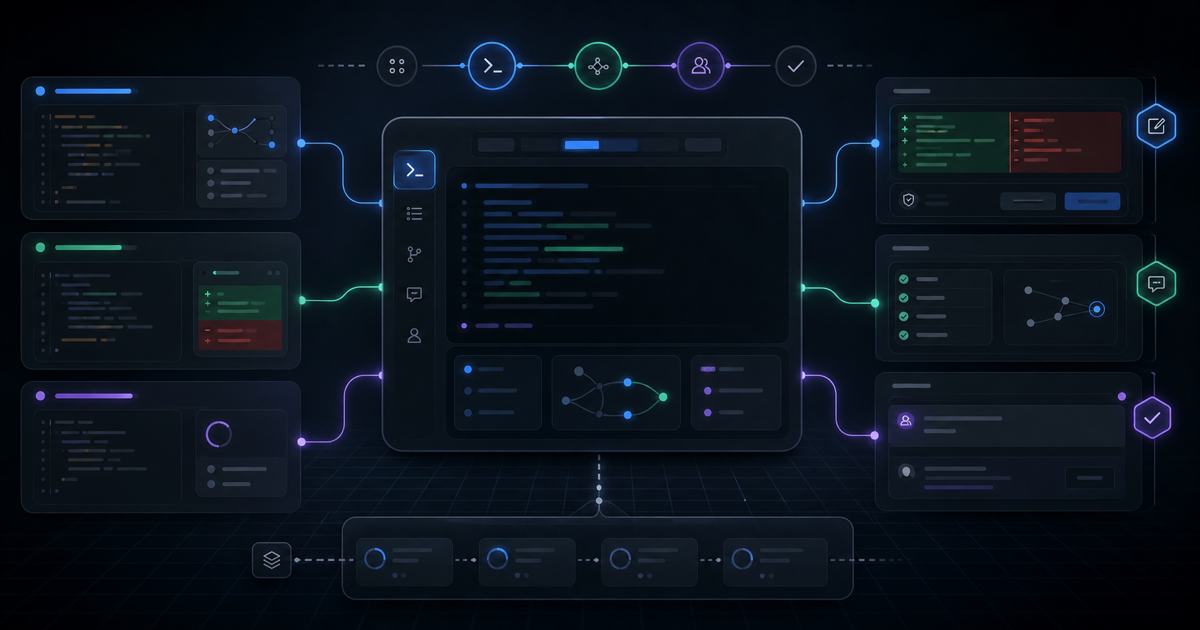
Agent View gives Claude Code a session table. The official docs describe rows grouped by state, with sessions that need input placed where you can notice them. Rows can show current activity, recent output, PR status, and whether the session is working, waiting, idle, completed, failed, or stopped.
The important shift is not visual polish. The important shift is that background sessions become a first-class workflow. You can start in a normal Claude Code session, send it to the background, start another task, and return to whichever session needs attention. From the shell, the docs list commands such as:
claude agents
claude attach <id>
claude logs <id>
claude stop <id>
claude respawn <id>
claude rm <id>
The sandbox confirmed this path at the CLI surface. Running claude --bg --help on the local machine did not print conventional help. It started the background service and created an idle background session:
backgrounded · 817cc05f (idle — send a prompt to start)
  claude agents             list sessions
  claude attach 817cc05f    open in this terminal
  claude logs 817cc05f      show recent output
  claude stop 817cc05f      stop this session
That session was stopped immediately with:
claude stop 817cc05f
This proves only a narrow claim: the installed CLI accepted --bg, created a manageable idle background session, and exposed shell commands for control. It does not prove that Effloow Lab completed a live background coding task, opened a PR, or measured Agent View productivity.
The Safe Workflow Pattern
Agent View is most useful when the tasks are independent. Good candidates include read-only codebase questions, focused test repair in separate worktrees, documentation cleanup, migration planning, release-note summarization, and small bug fixes with isolated ownership.
Poor candidates include tasks that edit the same file family, tasks that require shared architectural decisions, database migrations without review, infrastructure changes that need secrets, and anything where the agent can spend money or mutate production resources. Parallelism does not remove the need for a human merge strategy.
A safe operating pattern looks like this:
# 1. Check your version first.
claude --version

# 2. Open the Agent View dashboard.
claude agents

# 3. Start small, independent background tasks.
claude --bg "Inspect the payment tests and summarize the failing assertions. Do not edit files."
claude --bg "Find unused feature flags in this repo. Report file paths only."

# 4. Check logs or attach when a session needs input.
claude logs <id>
claude attach <id>

# 5. Stop stale work quickly.
claude stop <id>
The safest first adoption path is read-only. After the team trusts the visibility model, move to isolated edits. The Claude docs say background sessions that need to edit files in a git repository move into isolated worktrees under .claude/worktrees/. That is a strong default, but it is not a substitute for review. The same docs warn that outside a git repository, sessions write directly to the working directory and are not isolated from each other.
Local PoC: Queue Discipline Beats Terminal Sprawl
Effloow Lab used a local Node.js prototype to model the operational idea behind Agent View without launching paid background work. Four fake sessions were assigned states: blocked, running, done, and idle. The script sorted blocked work first and printed the next session needing attention.
node - <<'NODE'
const sessions = [
  { id: 'a11ce001', title: 'review auth boundary', state: 'blocked', last: 'needs approval for shell command', repo: 'api' },
  { id: 'b00b1350', title: 'write migration tests', state: 'running', last: 'executing focused test suite', repo: 'billing' },
  { id: 'c0ffee42', title: 'summarize flaky spec logs', state: 'done', last: 'summary ready', repo: 'web' },
  { id: 'd15patch', title: 'prototype dashboard copy', state: 'idle', last: 'waiting for prompt', repo: 'ui' },
];
const priority = { blocked: 0, running: 1, idle: 2, done: 3 };
console.log(sessions
  .sort((a, b) => priority[a.state] - priority[b.state])
  .map(s => `${s.state} ${s.id} ${s.repo} ${s.title}`)
  .join('\n'));
NODE
The output put the blocked approval first:
blocked a11ce001 api review auth boundary
running b00b1350 billing write migration tests
idle d15patch ui prototype dashboard copy
done c0ffee42 web summarize flaky spec logs
That is the practical lesson. When developers already have a strong review habit, Agent View can make the queue visible. When the team lacks review discipline, Agent View can make more unfinished work visible without making it safer.
Agent View, Subagents, Teams, And Worktrees
The Claude Code docs separate several parallel-work patterns. Treat them as different tools, not synonyms.
| Pattern | Best Use | Coordination Model | Main Risk |
|---|---|---|---|
| Agent View | Independent background sessions | You monitor and intervene | Too many sessions, too little review |
| Subagents | Side research inside one main session | Parent session delegates and receives summary | Parent accepts weak summaries too easily |
| Agent Teams | Coordinated multi-session projects | Lead session assigns work to teammates | Experimental coordination complexity |
| Worktrees | Parallel edits that must not collide | Separate git checkouts | Unmerged work can be deleted or forgotten |
For most production developers, the practical pairing is Agent View plus worktrees. Agent View tells you what is running and what is blocked. Worktrees reduce file-level collisions. Human review still decides whether any result should land.
If you are already using Claude Code subagents, keep the distinction clear. The /agents panel in an interactive session is not the same thing as claude agents Agent View. Subagents are workers inside a session. Agent View sessions are background sessions that report to you.
For broader multi-agent design, compare this with OpenAI Agents SDK multi-agent patterns and Effloow's earlier Claude Code workflow guide. The common lesson is not "run as many agents as possible." It is "split work only when ownership, state, and review are clear."
Rollout Checklist
Before using Agent View on a real repository, run this checklist:
claude --version
npm view @anthropic-ai/claude-code version dist-tags --json
git status --short
git worktree list
Then decide the operating rules:
- Use read-only tasks first.
- Limit concurrent sessions until review capacity is proven.
- Keep each background task scoped to one module or one question.
- Prefer worktree-isolated edits for implementation tasks.
- Never run background sessions with production credentials unless the task truly requires it and the permission model is explicit.
- Stop idle or confused sessions instead of letting them drift.
- Review diffs manually before merge, even when the session claims success.
Permission mode deserves extra caution. The docs say background sessions inherit or use configured permission modes depending on how they are started. Modes such as auto and bypassPermissions should not become the default for unattended work. They trade friction for risk, and that tradeoff should be deliberate.
Common Mistakes
Mistake 1: Treating Agent View as orchestration. Agent View helps you monitor sessions. It does not design the work breakdown, resolve conflicts, or validate outputs.
Mistake 2: Starting with write-heavy tasks. If the first experiment is "refactor the auth layer in five parallel sessions," the team is testing conflict management more than Agent View. Start with read-only audits and small isolated fixes.
Mistake 3: Ignoring version drift. The local sandbox had 2.1.139, while npm reported 2.1.143 as latest. Some documented flags require newer versions. Check before copying commands into onboarding docs.
Mistake 4: Forgetting cost and rate limits. Anthropic's announcement says normal rate limits apply. The parallel agents docs also warn that multiple sessions or subagents multiply token usage. Agent View can make parallel work easier to start, which makes cost guardrails more important.
Mistake 5: Assuming worktrees protect everything. The docs describe automatic worktree movement before file edits inside a git repository. They also warn that outside a git repository, sessions write directly to the working directory. Know which case you are in.
FAQ
Q: What is Claude Code Agent View?
Agent View is a Claude Code Research Preview interface opened with claude agents. It gives developers one place to monitor background Claude Code sessions, see which ones need input, attach to a session, reply, inspect logs, and manage stopped or completed work.
Q: How do I start a Claude Code background session?
The official announcement names two entry points: use /bg from an existing interactive session, or run claude --bg [task] from the shell to start a new background session. In the Effloow sandbox, claude --bg --help created an idle background session and printed the session ID plus attach, logs, and stop commands.
Q: Does Agent View isolate file edits automatically?
The docs say background sessions started from Agent View, /bg, or claude --bg begin in the working directory, then move into an isolated git worktree under .claude/worktrees/ before editing files when the project is a git repository. Outside a git repository, sessions are not isolated and can write directly to the working directory.
Q: Is Agent View available on every Claude plan?
Anthropic's May 11, 2026 announcement says Agent View is available as a Research Preview on Pro, Max, Team, Enterprise, and Claude API plans. Usual rate limits apply. Check your own plan and organization settings before assuming availability.
Q: Should I use Agent View or subagents?
Use Agent View when you want to hand off several independent sessions and monitor them yourself. Use subagents when a main Claude Code session needs a contained side investigation and should receive a summary back. Use worktrees whenever parallel edits might collide.
Key Takeaways
Agent View is a useful control surface for developers already running several Claude Code sessions. It brings background sessions, status visibility, shell control, and worktree-aware parallelism closer to the default CLI workflow.
The safe interpretation is conservative: Agent View makes parallel work easier to see, not automatically safer to ship. Start with read-only tasks, verify your Claude Code version, keep session ownership narrow, and preserve human code review as the final gate.
Adopt Claude Code Agent View as a session dashboard, not as an unattended release system. It is valuable when paired with scoped tasks, worktree isolation, cost awareness, and strict review.
Need content like this
for your blog?
We run AI-powered technical blogs. Start with a free 3-article pilot.