WebMCP: Make Your Website an AI Agent Tool in Chrome 149
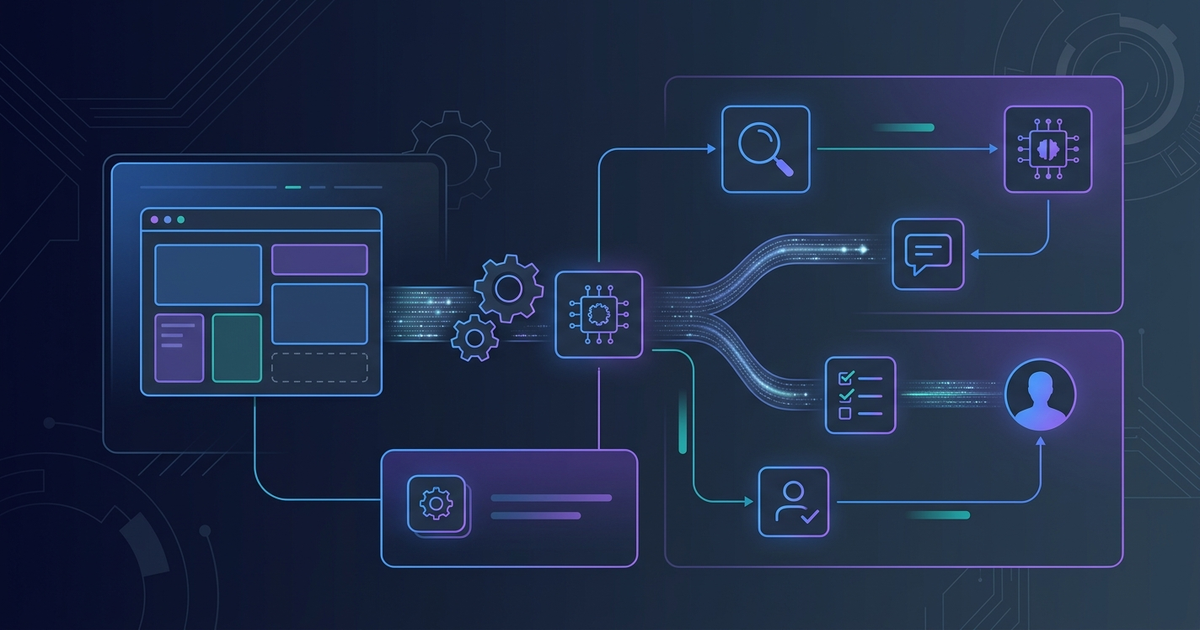
AI agents that interact with websites today do so by scraping the DOM: they read HTML, guess at structure, and click buttons they infer from visual context. This works until it doesn't. A layout change, a shadow DOM element, or an AJAX-rendered form breaks the flow entirely.
WebMCP proposes a different model. Rather than forcing agents to reverse-engineer your UI, you annotate your existing HTML to make your website's functionality explicitly callable. A search form becomes a named tool with typed parameters. A checkout button becomes an action with a clear semantic description. The agent calls the tool directly — no guessing required.
Google announced at I/O 2026 that the Chrome 149 extended origin trial is starting. Effloow Lab built a minimal local PoC to validate the annotation structure. This article explains what WebMCP is, how both APIs work, and what you need to do to make your site agent-ready today.
Effloow Lab validated the WebMCP declarative HTML annotation structure locally. Full browser-side execution requires Chrome 145+ with the WebMCP flag or a Chrome 149 origin trial token. See [data/lab-runs/webmcp-browser-agent-declarative-api-poc-2026.md] for the PoC output.
What WebMCP Is (and What It Isn't)
WebMCP stands for Web Model Context Protocol. It is a browser-native extension of Anthropic's MCP standard — the same protocol used by Claude desktop, VS Code extensions, and the growing ecosystem of MCP servers.
Standard MCP connects AI assistants to external servers over HTTP. WebMCP adapts the same call semantics for the browser environment: instead of connecting to a remote MCP server, the agent calls tools that are defined inside the page itself. The website becomes the server.
The difference in practice:
| Aspect | Standard MCP | WebMCP |
|---|---|---|
| Where tools live | External HTTPS server | Inside the webpage |
| Transport | HTTP/SSE | Browser JavaScript bridge |
| Auth | OAuth / API key | Inherits browser session |
| Tool definition | JSON schema in server | HTML attributes or JS |
| Current status | GA (many servers) | Chrome 145+ origin trial |
WebMCP is being standardized through the W3C Web Machine Learning community group. Microsoft is co-developing the specification — a signal that cross-browser support is planned, not just Chrome.
The Declarative API
The declarative API works by annotating standard HTML form elements with four new attributes. No JavaScript required.
<form
  toolname="searchProducts"
  tooldescription="Search the product catalog by keyword and category"
  toolautosubmit="true"
  action="/api/products/search"
  method="GET"
>
  <label for="q">Search</label>
  <input
    id="q"
    name="q"
    type="search"
    placeholder="keyword"
    required
    tooldescription="Search keyword or product name"
  >

  <label for="category">Category</label>
  <select
    id="category"
    name="category"
    tooldescription="Product category filter (all/electronics/clothing)"
  >
    <option value="">All</option>
    <option value="electronics">Electronics</option>
    <option value="clothing">Clothing</option>
  </select>

  <button type="submit">Search</button>
</form>
The four attributes:
| Attribute | Where | Purpose |
|---|---|---|
toolname |
<form> |
Tool identifier — what the agent calls |
tooldescription |
<form>, field elements |
Natural language description for the agent |
toolautosubmit |
<form> |
If true, agent submits without user confirmation |
tooldescription on fields |
<input>, <select>, <textarea> |
Parameter description, maps to JSON schema |
When a browser AI agent (Gemini in Chrome, once WebMCP support lands) encounters this form, it can call searchProducts(q="laptop", category="electronics") directly. The browser handles the actual form submission and returns the response — the agent never needs to simulate a click.
Effloow Lab ran a local Python parser against this HTML structure and confirmed one declarative tool was correctly identified with two typed parameters. The full PoC output is in the lab-run note.
The Imperative API
Some interactions cannot be expressed as HTML forms: multi-step workflows, state-dependent actions, API calls that require request signing. For these, WebMCP provides the imperative API via navigator.modelContext.
if ('modelContext' in navigator) {
  navigator.modelContext.registerTool({
    name: 'getProductDetail',
    description: 'Fetch full details for a product by its ID',
    parameters: {
      type: 'object',
      properties: {
        productId: {
          type: 'string',
          description: 'The product ID from search results'
        }
      },
      required: ['productId']
    },
    execute: async ({ productId }) => {
      const res = await fetch(`/api/products/${productId}`);
      return res.json();
    }
  });
}
The execute function is a normal async JavaScript function. It runs in the page's execution context — same origin, same cookies, same session. There is no separate sandbox.
The if ('modelContext' in navigator) guard is important. In browsers that do not support WebMCP (or Chrome without the flag), navigator.modelContext is undefined. Your existing page behavior is unchanged; the tool registration is simply skipped.
When to Use Each API
| Use case | API to use | Why |
|---|---|---|
| Search, filter, submit form | Declarative | Zero JS, works with existing forms |
| Navigation to a URL | Declarative | Form action handles routing |
| Multi-step checkout workflow | Imperative | Needs JS for state management |
| Signed API call (HMAC, token rotation) | Imperative | Needs dynamic request construction |
| Tool with side effects requiring confirmation | Declarative (toolautosubmit="false") | Browser prompts user before submit |
Current Status and Availability
WebMCP is available now for testing in Chrome 145+ via the early preview flag. The Chrome 149 extended origin trial was announced at Google I/O 2026 on May 20, 2026. An origin trial token enrolled for your domain enables WebMCP for all users of that Chrome version, without needing the flag.
- Gemini in Chrome will be the primary WebMCP consumer once it adds WebMCP support (confirmed at I/O 2026, timeline not specified)
- Specification status: W3C incubation, co-developed with Microsoft
- Chrome 149 release: [DATA NOT AVAILABLE] — stable release schedule not confirmed in search results at time of writing
- Other browsers: No public commitment from Firefox or Safari yet, though W3C process suggests multi-browser intent
For developer tooling patterns that connect agents to tools, the LangGraph MCP supervisor article covers the server-side MCP pattern that WebMCP extends into the browser.
What to Build First
If you want to start today, there are two concrete actions:
1. Annotate your highest-traffic search form. Add toolname, tooldescription, and toolautosubmit="true" to any public search form on your site. This costs zero engineering effort and makes your site callable by agents that support WebMCP when the origin trial rolls out.
2. Register one imperative tool for your most important API action. Wrap your product detail fetch, your user account action, or your primary conversion action in navigator.modelContext.registerTool(). Guard with the if ('modelContext' in navigator) check — existing browsers see no change.
No production agent is calling WebMCP tools today at scale. The origin trial is the time to build, not after the standard is finalized.
Relationship to Existing MCP Infrastructure
If your app already exposes an MCP server (for Claude desktop, Cursor, or VS Code), WebMCP is a complementary layer, not a replacement. Your MCP server handles agent interactions that happen outside the browser. WebMCP handles interactions that happen inside it — the same user, the same data, the same session, but through a different surface.
The Pydantic AI graph agent guide and the LangGraph fault-tolerance guide cover agent orchestration patterns that WebMCP-annotated sites would plug into.
WebMCP is worth implementing now if:
- Your site has public search, filter, or submit actions that agents should be able to call
- You want to be early in the Google Chrome AI ecosystem as Gemini in Chrome rolls out
- You already expose an MCP server and want a browser-side complement
Wait if:
- Your site is behind auth — agent access to auth-gated tools raises security questions the spec has not fully resolved
- You need Firefox or Safari support — multi-browser support is not confirmed yet
FAQ
Is WebMCP the same as MCP?
No. MCP connects AI assistants to external servers over HTTPS. WebMCP is a browser-local adaptation that lets pages expose tools to agents running in Chrome, using HTML attributes or JavaScript — no external server required.
Does WebMCP work in Firefox or Safari?
Not currently. The spec is being developed through the W3C Web ML community group with Microsoft co-developing, which suggests multi-browser intent. No public Firefox or Safari commitment has been announced.
Can agents call WebMCP tools without user permission?
The toolautosubmit="true" attribute on the declarative API means the agent submits without a browser confirmation prompt. Set toolautosubmit="false" (or omit it) for actions that should require user approval.
What is the Chrome 149 origin trial?
An origin trial lets you enroll your domain to enable a Chrome feature for your users without requiring them to set a flag. Chrome 149 is the version where the WebMCP extended origin trial starts, as announced at Google I/O 2026 on May 20, 2026.
What is navigator.modelContext?
The JavaScript API that implements the WebMCP imperative surface. navigator.modelContext.registerTool() registers a callable function that browser AI agents can invoke. It is undefined in browsers that do not support WebMCP.
Need content like this
for your blog?
We run AI-powered technical blogs. Start with a free 3-article pilot.